Sample mobile app UI generated by MakeUI — screen 1
Sample mobile app UI generated by MakeUI — screen 2
Sample mobile app UI generated by MakeUI — screen 3
Sample mobile app UI generated by MakeUI — screen 4
Sample mobile app UI generated by MakeUI — screen 5
Sample mobile app UI generated by MakeUI — screen 6
Sample mobile app UI generated by MakeUI — screen 7
Sample mobile app UI generated by MakeUI — screen 8
OfferUse code LAUNCH20 for 20% off your first month

Production Ready UI for
Travel Planner

Watch MakeUI generate a screen

A quick peek at Studio creating a crypto dashboard in seconds.

Interfaces your team can ship from

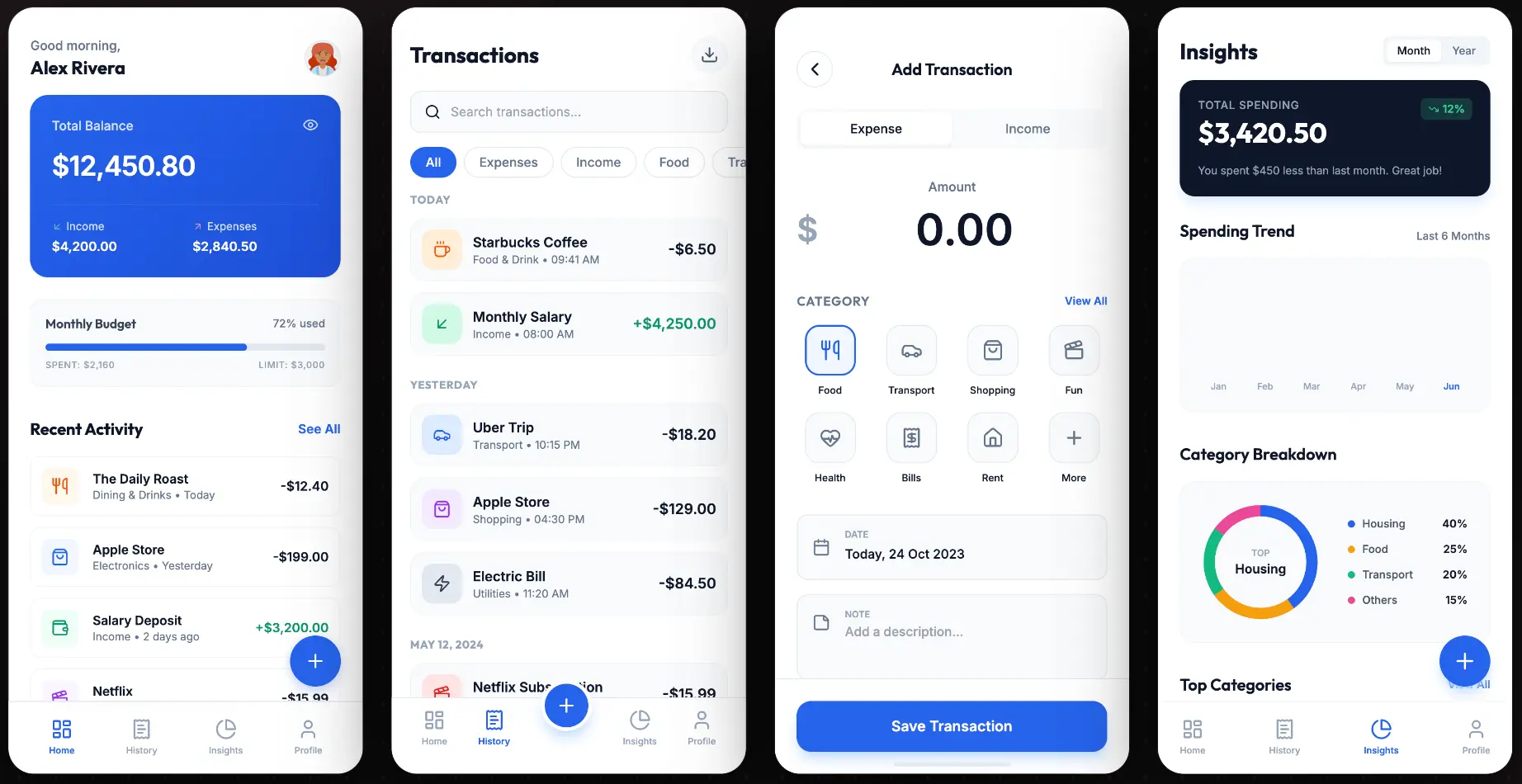
Expense Tracker
Expense Tracker
Finance
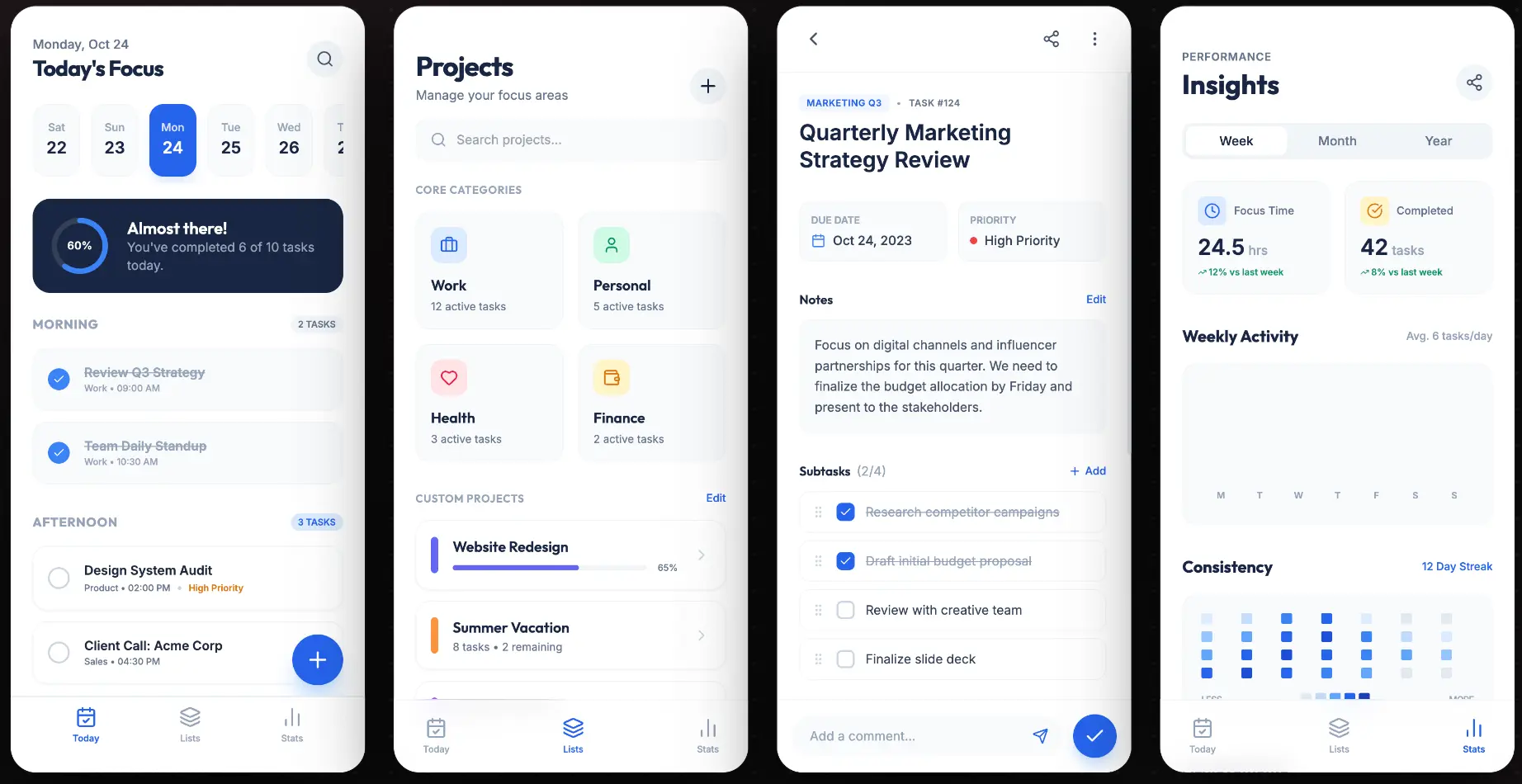
Todo App
Todo App
Productivity
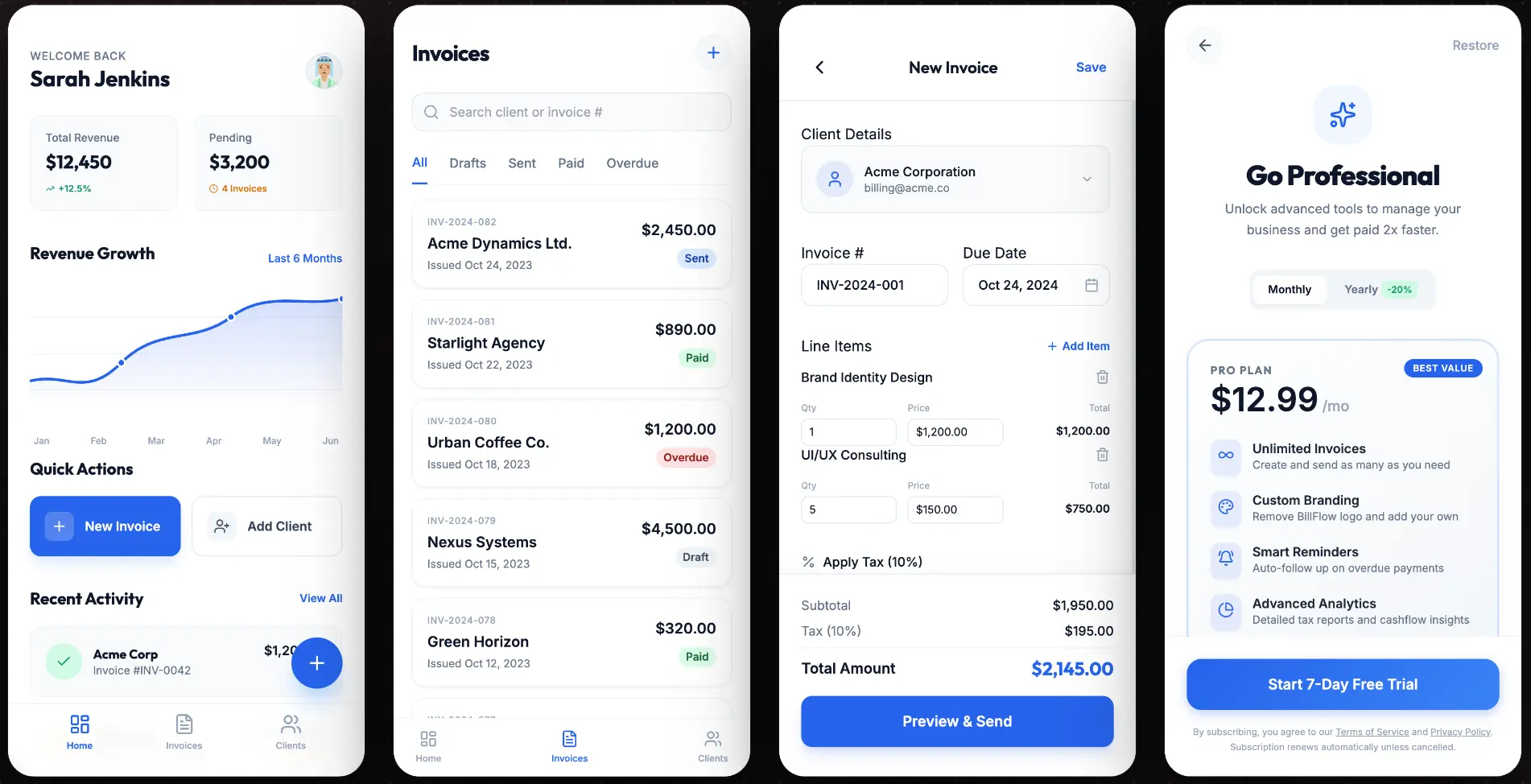
Invoice Maker
Invoice Maker
Billing
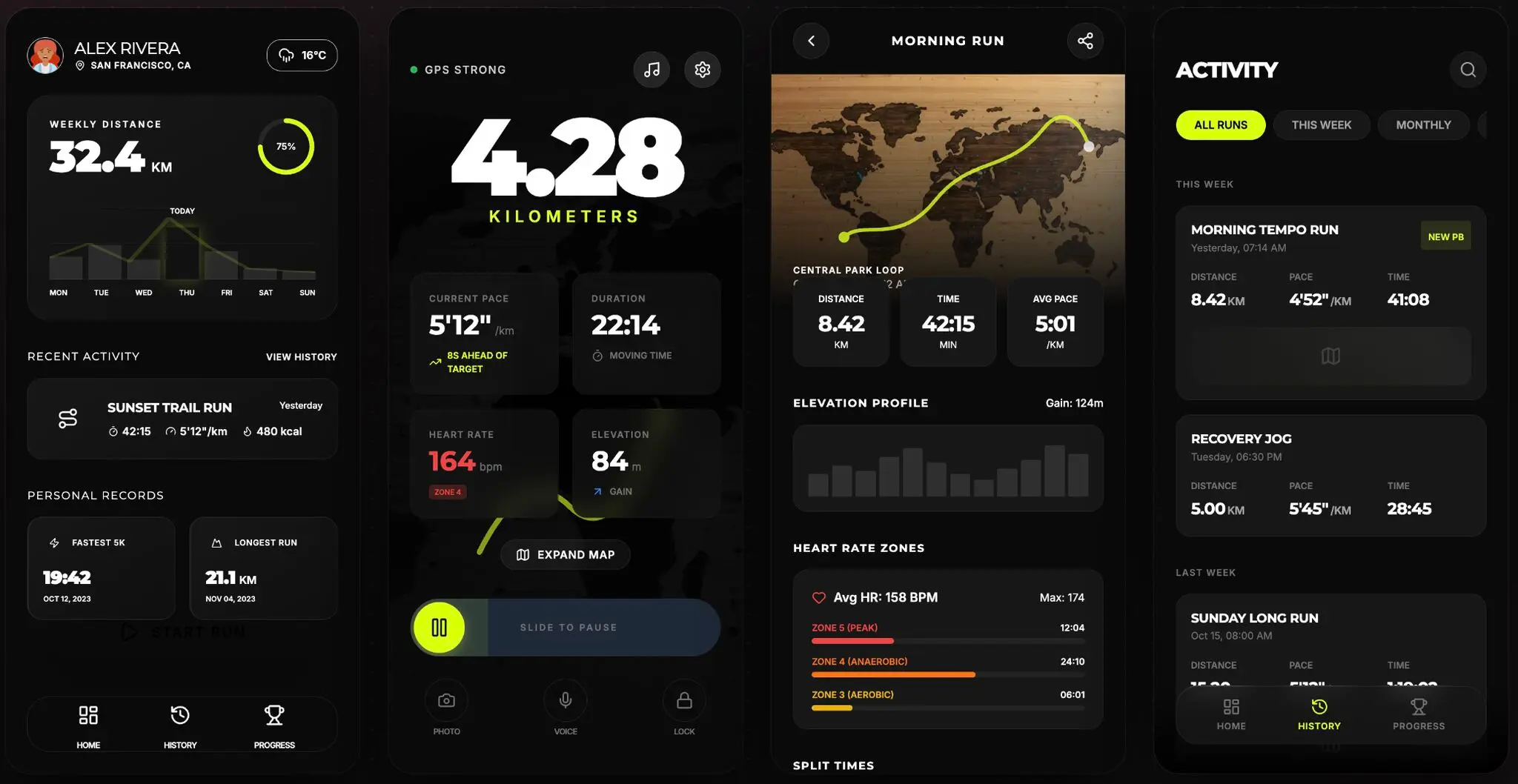
Run Tracker
Run Tracker
Health & Fitness

Describe it. Generate it. Ship it.

Type a prompt, get production-ready mobile screens with real layouts, proper spacing, and consistent design tokens — then export to code or Figma.

AI screen draftAI screen draftAI screen draftAI screen draftAI screen draftAI screen draftAI screen draftAI screen draft

AI Screen Generation

Describe your app and get fully designed mobile screens — complete with navigation, cards, forms, and theme-matched color tokens.

Export to Figma

One click sends your screens as editable layered frames into Figma — ready for design reviews and hand-off.

<div class="flex flex-col">
  <header class="p-4">
    <h1>Hello</h1>
  </header>

Copy the code

Every screen generates clean HTML and CSS you can copy straight into your project — no extra dependencies required.

Claude Opus 4.7
Codex 5.3
Gemini Flash 3.0

Frontier Models

Compare outputs from the latest frontier models and instantly pull the strongest ideas into your canvas.

GeminiGemini
ClaudeClaude
OpenAIOpenAI

Simple, flexible pricing

Start for free, upgrade when you need more power.

Free

Perfect to test the waters.

$0
7 Free Credits
1 Project
Access to All Models
Unlimited Export to Code
Unlimited Export to Figma
Priority Support

Indie

For solo developers.

$20/mo
100 Credits / moEach screen/edit takes 1 credit per screen with Gemini Flash 3.0 Mode.
100 Credits/mo
Unlimited Projects
Access to All Models
Unlimited Export to Code
Unlimited Export to Figma
Purchase additional credits
Priority Support
MOST POPULAR

Pro

For agencies and studios.

$40/mo
300 Credits / moEach screen/edit takes 1 credit per screen with Gemini Flash 3.0 Mode.
300 Credits/mo
Unlimited Projects
Access to All Models
Unlimited Export to Code
Unlimited Export to Figma
Purchase additional credits
Priority Support

Power

For enterprise scale.

$80/mo
700 Credits / moEach screen/edit takes 1 credit per screen with Gemini Flash 3.0 Mode.
700 Credits/mo
Unlimited Projects
Access to All Models
Unlimited Export to Code
Unlimited Export to Figma
Purchase additional credits
Priority Support
View all models usage

Need more credits? Paid plan subscribers can purchase a 100-credit add-on pack that never expires.

Frequently Asked Questions

Everything you need to know about the product and billing.

Can I use the generated output in commercial apps?
Yes. The generated design output can be used in your production workflow, then refined further inside your existing product process.
What stack does the product support?
MakeUI generates mobile-first HTML and CSS that works in any modern browser. You can export directly to Figma for further design work, or use the code output in React, Vue, or any framework.
How do credits work?
Credits map to generation activity. Higher plans unlock more generations, premium models, and richer export workflows.
What AI models are available?
MakeUI supports frontier models from OpenAI, Google, and Anthropic including GPT, Gemini, and Claude.
Can I cancel or change my plan at any time?
Yes. You can upgrade, downgrade, or cancel your subscription at any time from your dashboard. Changes take effect at the start of your next billing cycle.
Is my data private and secure?
Absolutely. Your designs and prompts are private to your account. We do not use your data to train models or share it with third parties.
What export formats are supported?
You can export designs as clean HTML/CSS code snippets or send layered frames directly to Figma. Figma export is available on paid plans.