NewGet Free App Store Screenshots

Describe your app.
Get real mobile screens.

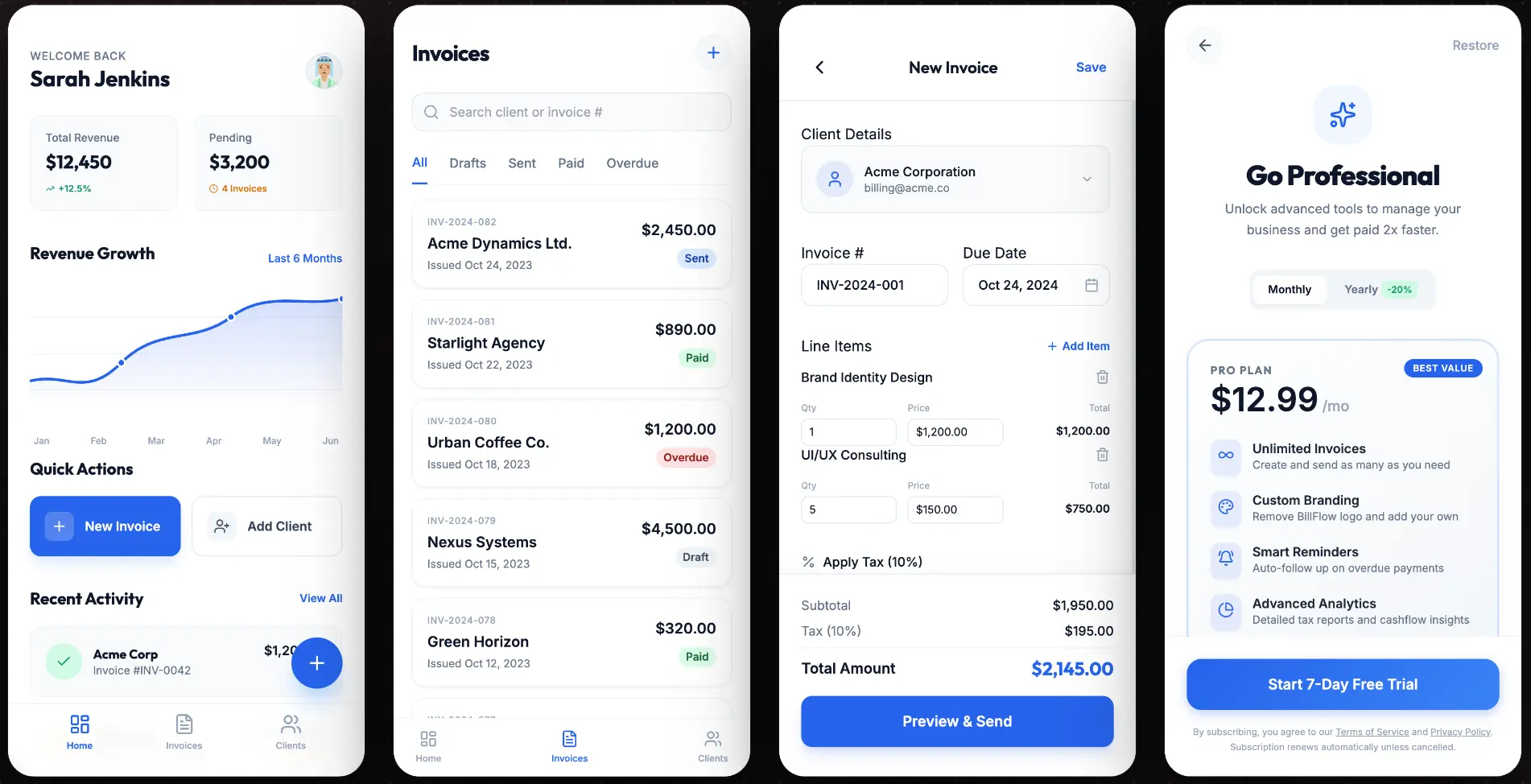
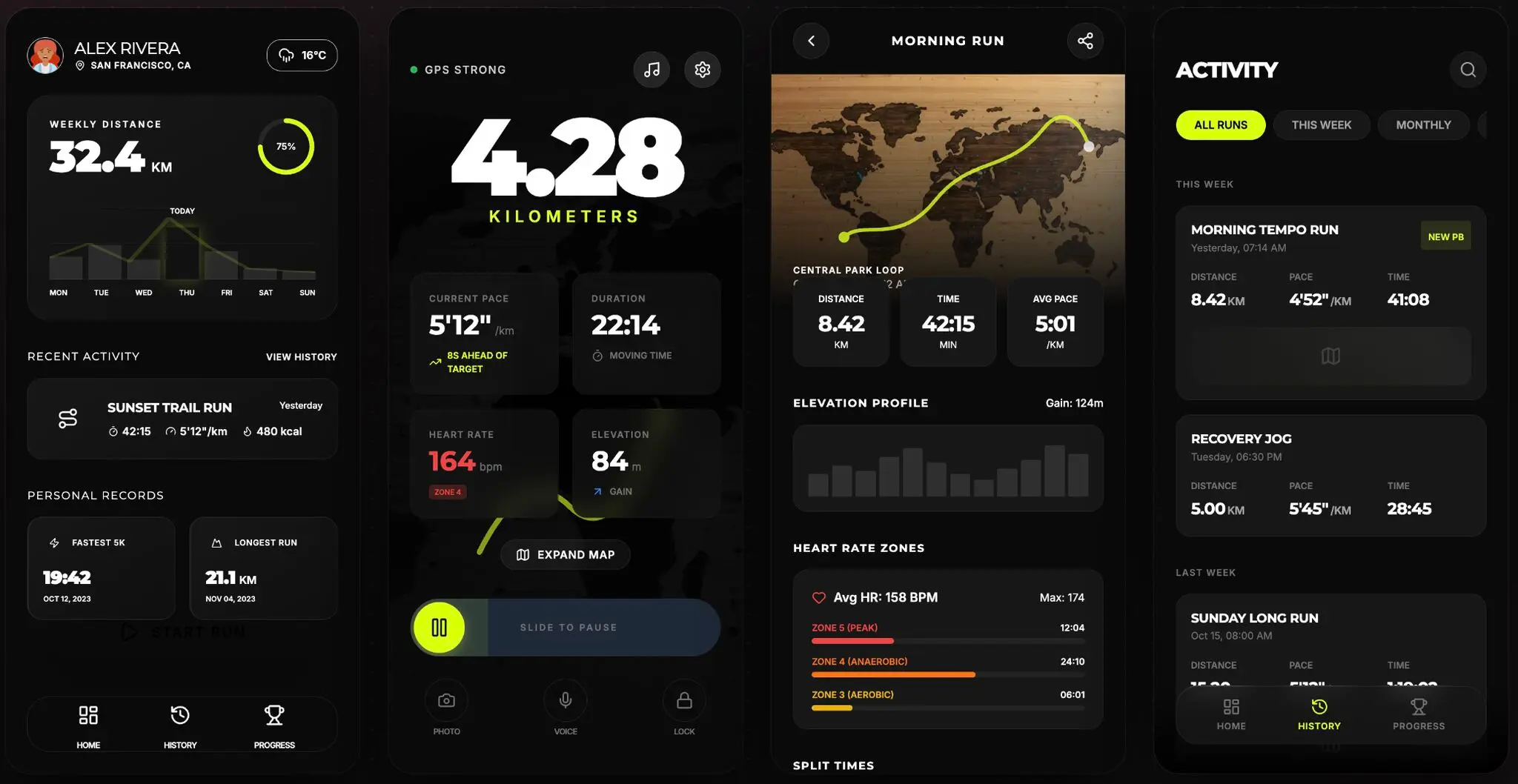
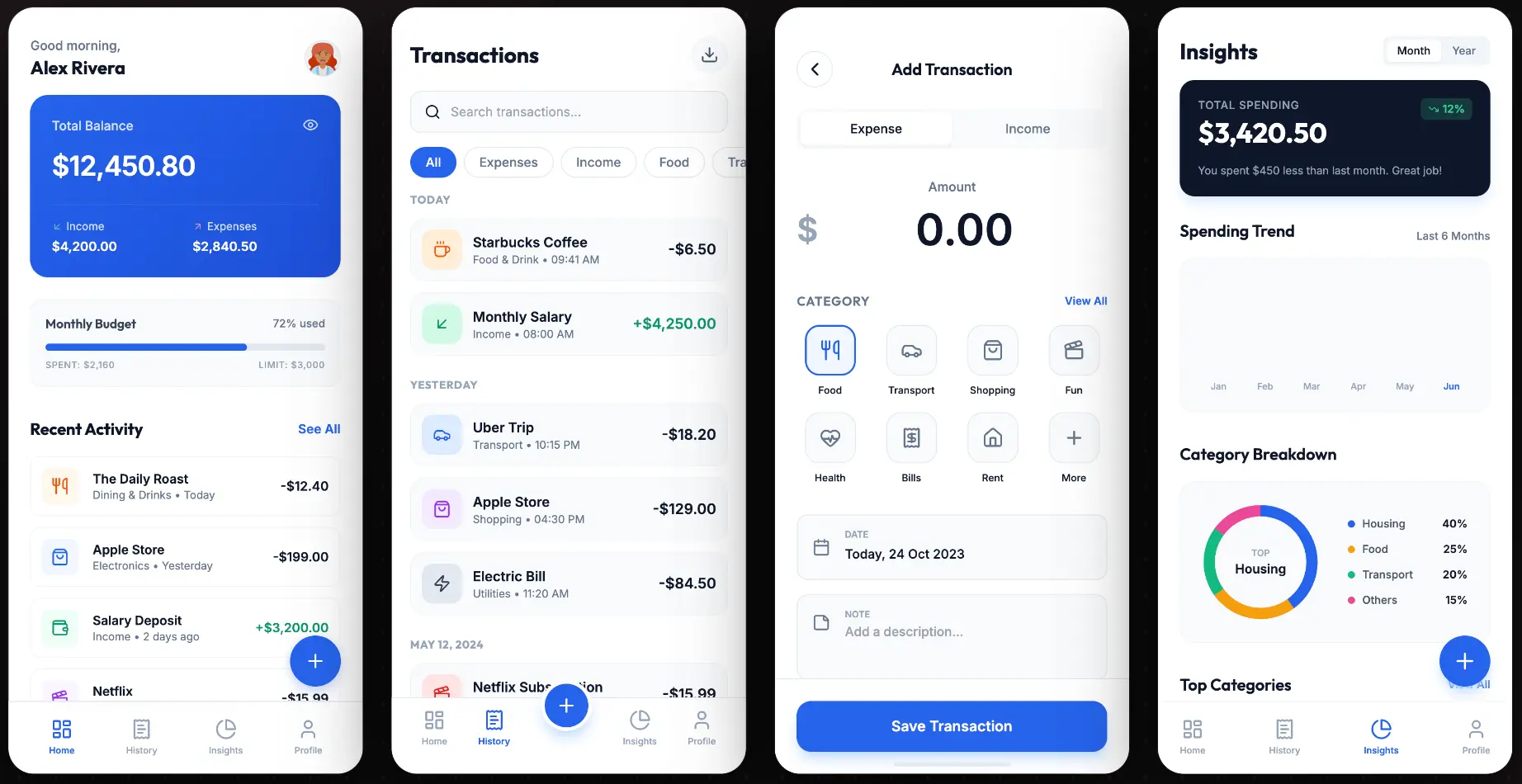
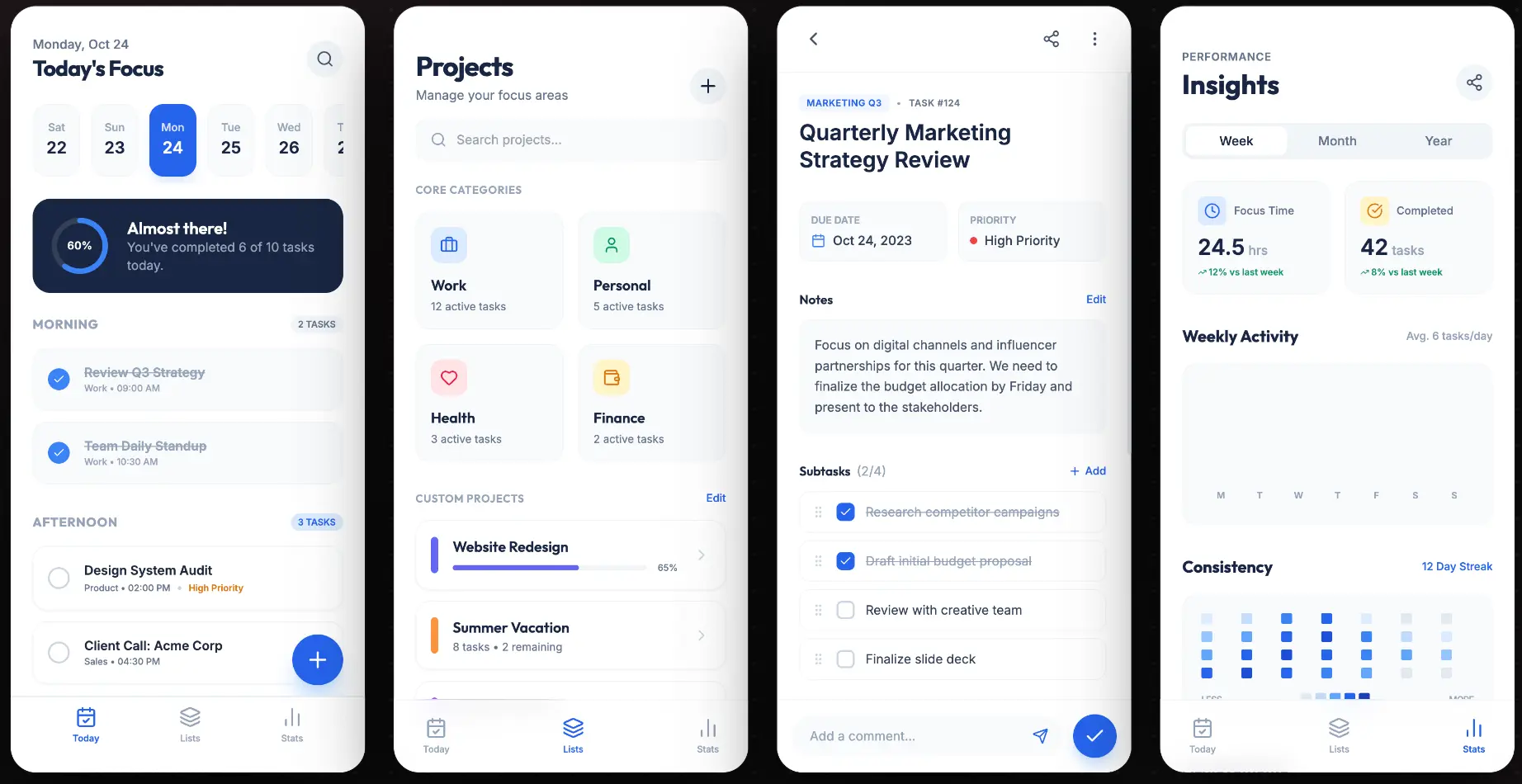
MakeUI turns a plain-text idea into editable mobile UI for founder ideas. Refine it, export to Figma, or copy clean HTML and CSS.

See examples

From prompt to usable screen

A short look at Studio turning an app idea into a mobile interface you can keep editing.

A practical path from idea to interface

MakeUI is built for the messy middle between a written product idea and a screen your team can actually discuss.

01

Prompt the product, not pixels

Describe the app, audience, and flow. MakeUI turns that into a complete mobile screen instead of a loose moodboard.

02

Review real screens

Compare generated layouts, spacing, components, and visual direction before you spend time rebuilding the same screen manually.

03

Move into your workflow

Export to Figma for design review or copy clean HTML/CSS when you need a fast implementation starting point.
AI screen draftAI screen draftAI screen draftAI screen draftAI screen draftAI screen draftAI screen draftAI screen draft

Full screen generation

Generate complete mobile screens with navigation, cards, forms, empty states, and theme-aware visual direction.

Export to Figma

Send screens into Figma as editable frames so designers can inspect, adjust, and hand off without rebuilding from scratch.

<section class="screen dashboard">
  <header class="screen-header">
    <h1>Today's summary</h1>
  </header>
  <div class="metric-card" />

Copy the code

Use the generated HTML/CSS as a clean starting point when you need to move from concept to implementation quickly.

Claude Opus 4.8
Codex 5.3
Gemini Flash 3.0

Model comparison

Try different model outputs inside one workflow and keep the direction that fits your product best.

GeminiGemini
ClaudeClaude
OpenAIOpenAI

Start small, upgrade when it saves real time

Use limited trial access to test output quality. Paid plans add monthly credits, Figma export, broader model access, and higher-volume workflows.

Indie

For solo builders validating app ideas.

$9.99/mo$20Launch price
100 Credits / moEach screen/edit takes 1 credit per screen with Gemini Flash 3.0 Mode.
100 Credits/mo
Unlimited Projects
Access to All Models
Unlimited Export to Code
Unlimited Export to Figma
Purchase additional credits
Priority Support
MOST POPULAR

Pro

For daily product and client work.

$19.99/mo$40Launch price
300 Credits / moEach screen/edit takes 1 credit per screen with Gemini Flash 3.0 Mode.
300 Credits/mo
Unlimited Projects
Access to All Models
Unlimited Export to Code
Unlimited Export to Figma
Purchase additional credits
Priority Support

Power

For high-volume teams and agencies.

$39.99/mo$80Launch price
700 Credits / moEach screen/edit takes 1 credit per screen with Gemini Flash 3.0 Mode.
700 Credits/mo
Unlimited Projects
Access to All Models
Unlimited Export to Code
Unlimited Export to Figma
Purchase additional credits
Priority Support
View all models usage

Need more credits? Paid plan subscribers can purchase a 100-credit add-on pack that never expires.

Frequently Asked Questions

Everything you need to know about the product and billing.

Can I use the generated output in commercial apps?
Yes. You can use generated designs and code in personal, client, and commercial projects. Treat the output as a strong starting point, then review it like any product work before shipping.
What stack does the product support?
MakeUI generates mobile-first HTML and CSS that works in modern web projects. You can also export screens to Figma on paid plans for design review and handoff.
How do credits work?
Credits are used for generations and edits. The estimate shown on each plan uses the default model; premium models can use credits differently, so the models page shows the full breakdown.
What AI models are available?
MakeUI supports models from Google, OpenAI, and Anthropic. Free users can start with the default model, while paid plans unlock broader model access.
Can I cancel or change my plan at any time?
Yes. You can upgrade, downgrade, or cancel your subscription at any time from your dashboard. Changes take effect at the start of your next billing cycle.
Is my data private and secure?
Your projects and prompts are private to your account. MakeUI does not sell your data or use your private projects as public templates.
What export formats are supported?
You can export designs as clean HTML/CSS code snippets or send layered frames directly to Figma. Figma export is available on paid plans.